So, I helped a customer upgrade to Service Manager 2016 the other day and the upgrade itself went fine. However, when trying to use some of their custom tasked after the upgrade, the console crashed.
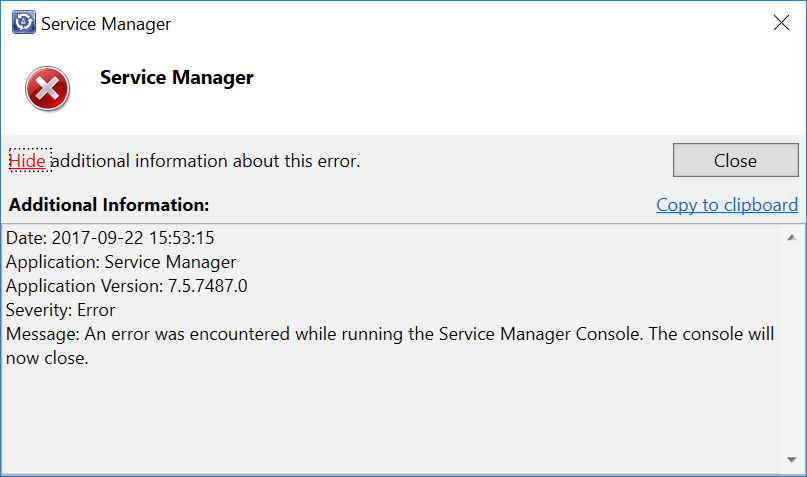
The task itself isn’t anything special – it’s just a task to open a specific URL in their browser and has been working for a long time. We tried some different things to try to figure out what caused this crash. Running the console elevated, wiping our local SCSM user cache, trying from another client with another user and so on, but nothing seemed to help… When looking a little closer into the event log (Operations Manager log on the client), we discovered these events though.
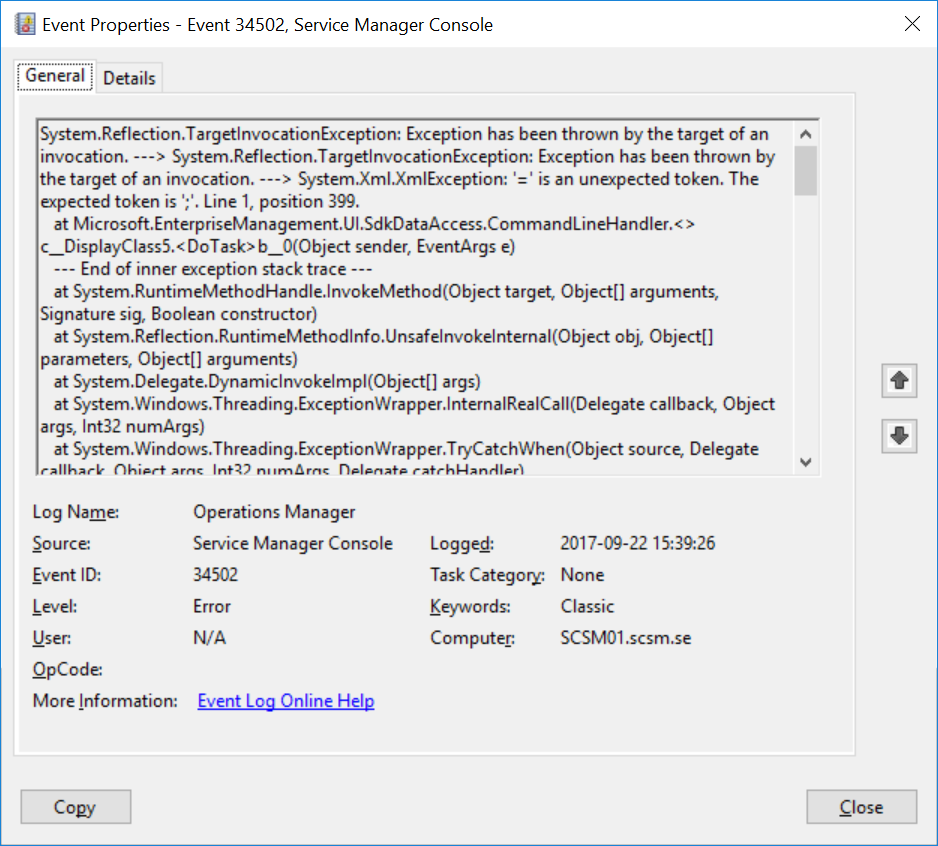
And this part of the error message gave us a clue on what the issue might be:
System.Reflection.TargetInvocationException: Exception has been thrown by the target of an invocation. —> System.Reflection.TargetInvocationException: Exception has been thrown by the target of an invocation. —> System.Xml.XmlException: ‘=’ is an unexpected token. The expected token is ‘;’. Line 1, position 399.
For some reason, it seems like Service Manager 2016 doesn’t like the syntax we’re using for our tasks anymore. So let’s take a look at the task itself:
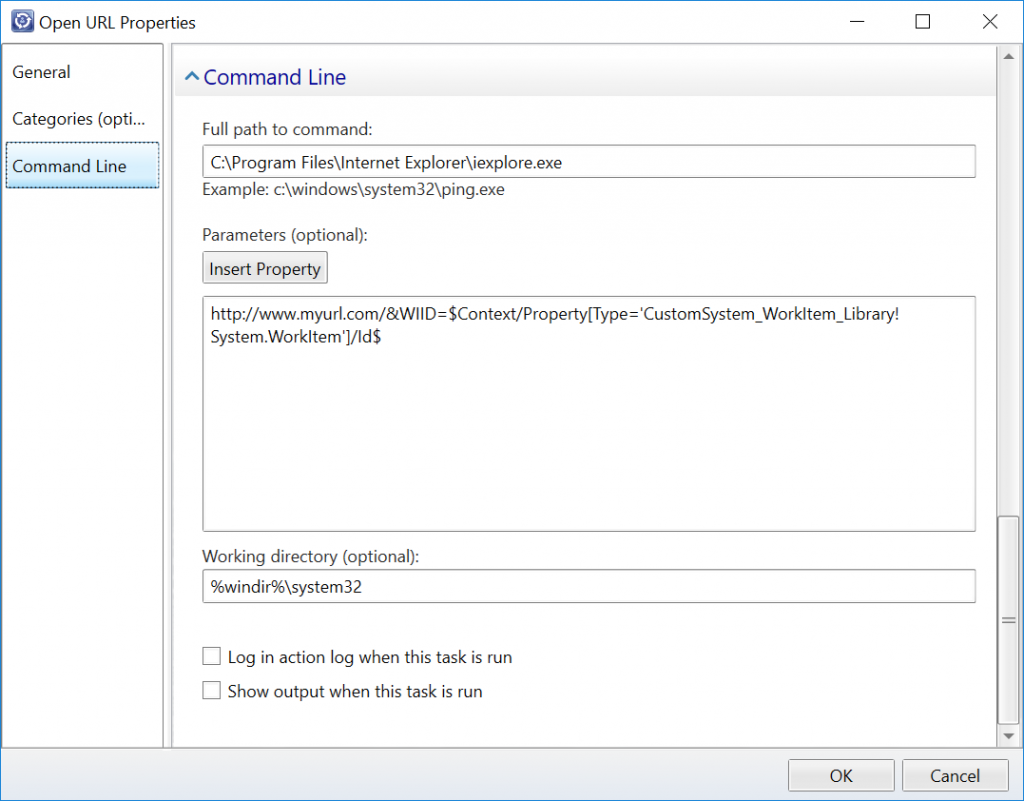
After some testing, we figured out that the &-character is causing the crash. Apparently, it is not converted into correct XML syntax when stored into the management pack as it used to in previous version of Service Manager. To avoid the crashing tasks, we simply had to do this conversion ourselves. So instead of writing & in our tasks, we had to replace it with & After this change, the tasks were working fine again without crashing the console.
Note that this also apply to text written in other places in the custom task, such as the Description field.